 CinemaBrowser
Press play.
Nothing else.
A browser for video sites. It stops the pop-up tabs, fake buttons and invisible layers that sit on top of the video, and opens your sites full screen.
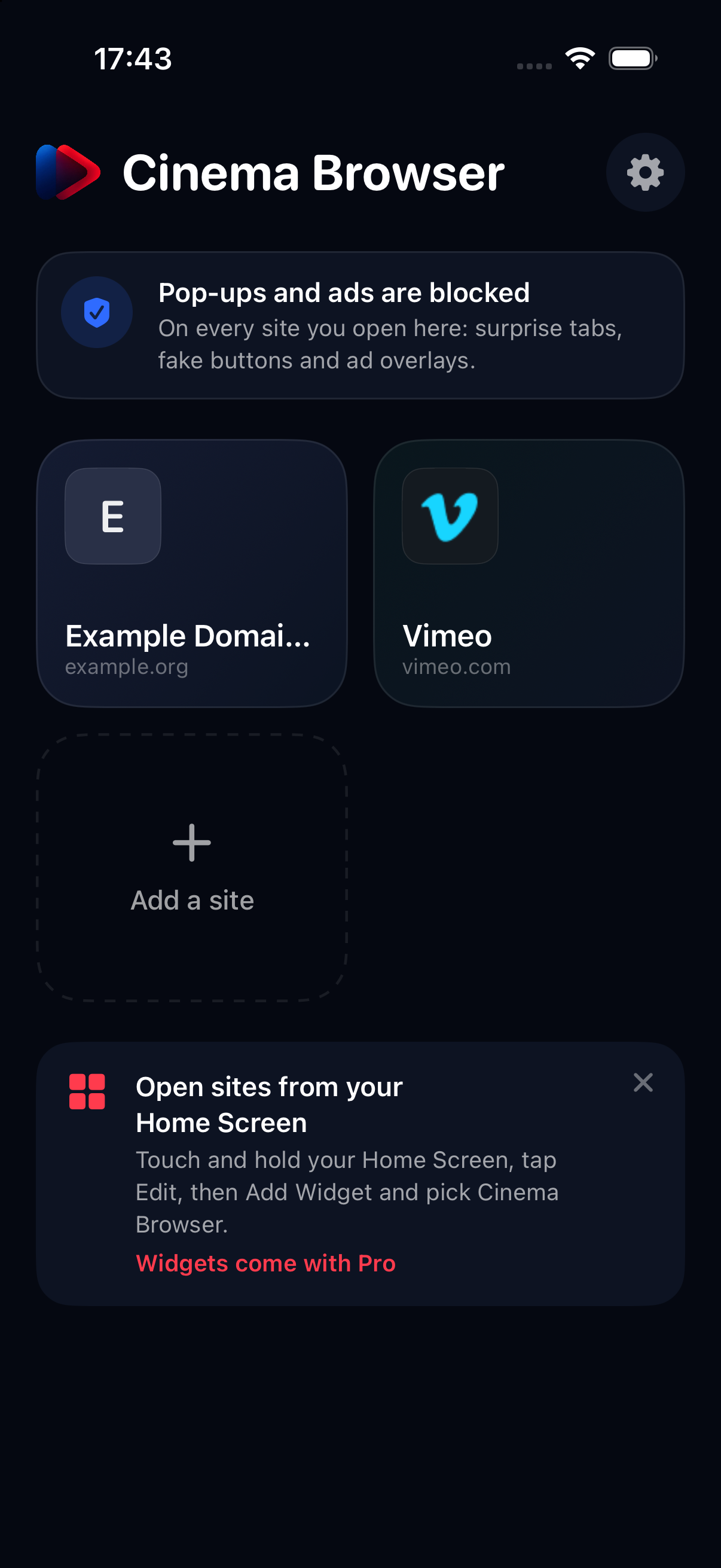
Three tricks, handled.
Video sites earn their money by making your first few taps go somewhere else. Here's what CinemaBrowser does about each one.
Tabs that open on their own
You tap play and a casino opens in a new tab. We only let a page open something new when you tapped a real link on that same site. Everything else is stopped.
A clear layer over the player
Lots of sites lay an invisible sheet over the video so your tap lands on an ad. We find it and take it away, so the tap reaches the player.
The ads themselves
About 130,000 rules from EasyList and AdGuard stop ad and tracker requests before they load. The lists update themselves, no app update needed.
Full screen. No address bar.
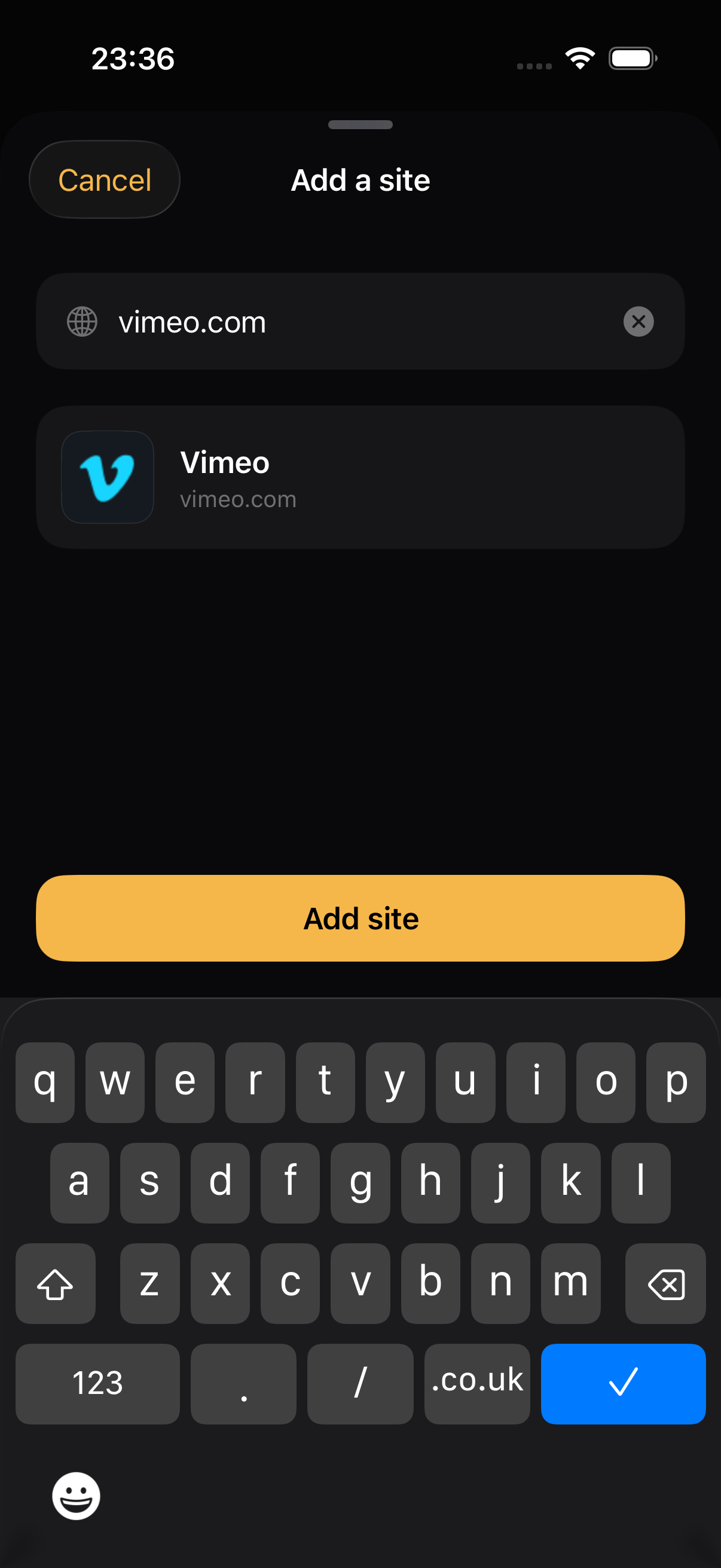
Save the sites you watch on and each one gets a tile with its own logo. It opens edge to edge, right where you left off.
- A small handle at the top for back, reload and home. That's the only chrome.
- Home Screen widgets, or a proper icon per site through Shortcuts.
- Picture in Picture and AirPlay, so the video goes where you go.
Ad networks change. This doesn't care.
Ad lists go stale within weeks. The part that stops pop-ups and layers doesn't use lists at all: it watches what the page tries to do. So it keeps working on sites and ad networks nobody has seen yet.
- New ad lists ship from our servers, signed, and are checked before your phone uses them.
- If a list ever breaks a site, we can pull the bad rule without an app update.
- Spot something we missed? Report it from inside the page.
No account. No tracking.
What you watch stays on your phone. We never see your browsing. Problem reports go out only when you tap Send, and you can read them first.
Blocking is free.
Every plan gets the same protection. Pro is for people with more than a few sites, who want them on the Home Screen.
- Full pop-up, tab and ad blocking
- Up to 3 saved sites
- Ad lists that update themselves
- Unlimited sites
- Home Screen widgets and icons
- Picture in Picture
- Stay on site mode
- Sync between iPhone and iPad
- Unlimited sites
- Home Screen widgets and icons
- Picture in Picture
- Stay on site mode
- Sync between iPhone and iPad
Good to know
Does it work in Safari?
No, CinemaBrowser is its own browser. Safari ad blockers work from fixed lists, so they can't stop a page's scripts from opening tabs or laying invisible layers over a video. Running the page ourselves is what lets us stop those.
Will it work on every site?
Most. A few sites check for blockers or break when an ad script is missing. If one does, open the menu from the handle at the top and tap Report a problem. You'll see exactly what gets sent before you send it.
Does it block YouTube ads?
It tries, and often it works. YouTube changes how it serves ads all the time, so we don't promise it.
Do I need an account?
No. Purchases go through your Apple Account, and Pro syncs your sites through iCloud.
What do you collect?
Nothing about what you watch. We get anonymous crash reports, plus problem reports when you choose to send one. That's it.
How do I cancel?
In the Settings app: tap your name, then Subscriptions. Lifetime is a one-off purchase, so there's nothing to cancel.
Still stuck? Get in touch.